
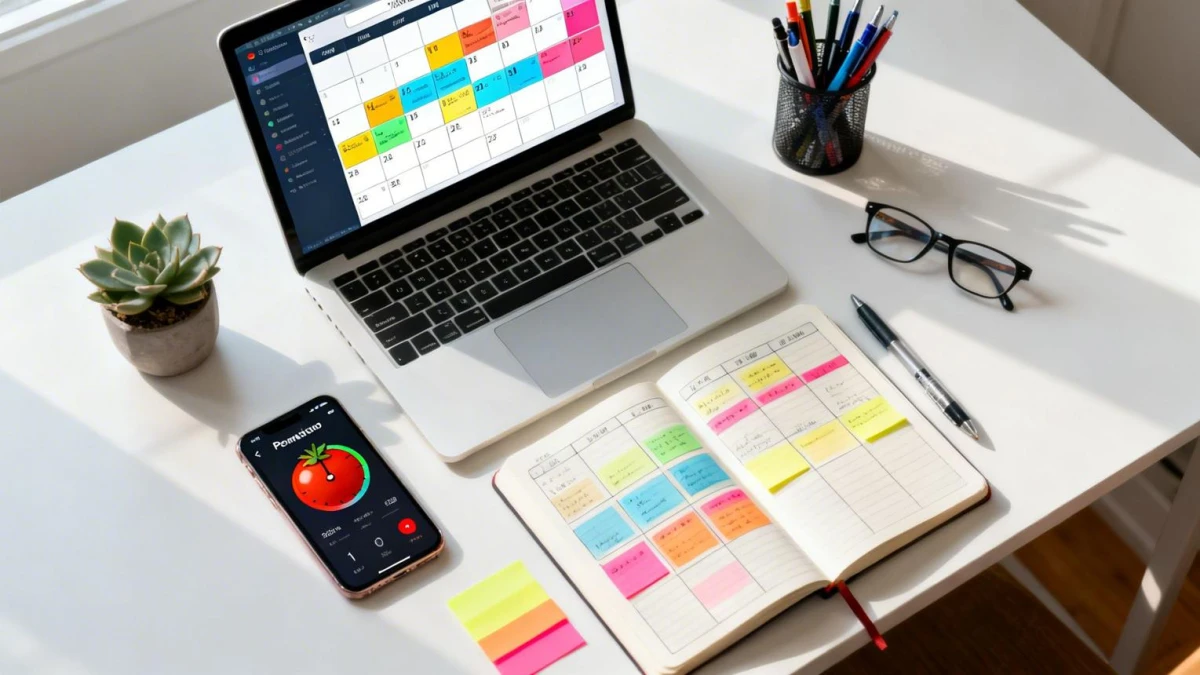
Learn how to use time blocking to manage your daily activities, from setting priorities and estimating durations to using digital calendars and the latest AI features.
Time blocking is a time management method that divides your day into scheduled periods. Each block is reserved for one task or one type of work. Many people already use it without realizing it, for example through Google Calendar.
The method is popular again in 2026 because calendars are getting smarter. Google Calendar and Microsoft Viva Insights can book focus time automatically. AI-based schedulers also shift your blocks when a meeting lands on top of them.
Steps for Building a Daily Time Blocking Schedule
On August 4, 2026, RRI published a set of basic steps for beginners. Here is the sequence you can follow:
- Write down every task that must get done today.
- Rank the tasks by importance and deadline.
- Set a realistic duration for each activity.
- Set aside break time between blocks.
- Enter all the blocks into your calendar.
You can use a digital calendar, a notes app, or a paper planner. Choose whichever feels most comfortable so that scheduling doesn’t become extra work.
Almost everyone underestimates how long tasks take at first. That’s why the first week often feels like a failure. Treat this phase as practice, then refine your estimates the following week.
Add buffer time so your schedule doesn’t fall apart when a task runs over. Cal Newport links this method to deep work, meaning focused hours protected from interruptions.
Why Time Blocking Helps You Stay Focused
Asana says time blocking reduces context switching. Dedicated blocks protect time for important work. The method also makes it clearer where your time goes.
Interruptions are costly. A 2008 study found that workers who were interrupted did about two other tasks before returning to the original one. During that gap, their time pressure and mental load increased.
ClickUp cites the American Journal of Lifestyle Medicine. According to ClickUp, the journal’s researchers found that time blocking and similar methods improved productivity. This claim comes from the ClickUp article, so check the original journal if you need primary data.
Combining Time Blocking with Other Methods
The Pomodoro technique works well inside a block. Break one block into 25-minute sessions, each followed by a 5-minute break.
It’s also worth telling time blocking apart from timeboxing. Time blocking reserves a slot for a single task, while timeboxing is looser and better suited to schedules that change often.
Asana warns that time blocking is hard to pull off if your calendar is full of meetings. Slack adds that a personal schedule isn’t enough when team expectations collide. So agree on focus-hour rules with your colleagues.
A weekly review determines whether your time blocking lasts. The Goals and Progress guide suggests a 30-minute session every Friday. If you struggle to focus for long stretches, use shorter blocks and feel free to move your schedule around without guilt.
Read more articles and interesting information only at bacatulisan.com